Google Voice is an accessible, low-cost VoIP tool that works well for solopreneurs but lacks the features sales teams need to scale. It offers free or near-free calling, voicemail transcription, and easy setup, but no CRM integrations, no automation, no power dialing, and no spam flag protection. PhoneBurner fills those gaps with power dialing, CRM sync, team coaching tools, and ARMOR caller reputation protection.
Time to Read
~5 minutes
What You'll Learn
What Google Voice does well and where it falls short for sales teams
How Google Voice and PhoneBurner compare on dialing, integrations, and team management
Whether Google Voice is the right fit for solopreneurs or growing teams
How to bridge Google Voice and PhoneBurner with Zapier
Next Steps
Match the comparison table below against your team's actual workflow needs
Already on Google Voice? Use Zapier to connect call data into PhoneBurner
Google Voice is sleek, simple, and free—and for many solo entrepreneurs and small business owners, that makes it an attractive option for managing calls.
But if you’re running a sales team or doing high-volume outreach, there’s a ceiling to what Google Voice can realistically do. It’s a bare-bones VoIP phone, not a complete sales platform. When you’re ready to scale up your outreach, improve contact rates, and close more deals, you’ll need something built for that job.
We developed PhoneBurner to help sales teams go beyond basic outreach and make powerful connections with your audience. In this article, we’ll look at what Google Voice offers, where it comes up short, and how we can help you fill the gaps with a power dialer that lets you reach up to 4x as many prospects.
The Good, The Bad, & The Google: How Google Voice Stacks Up
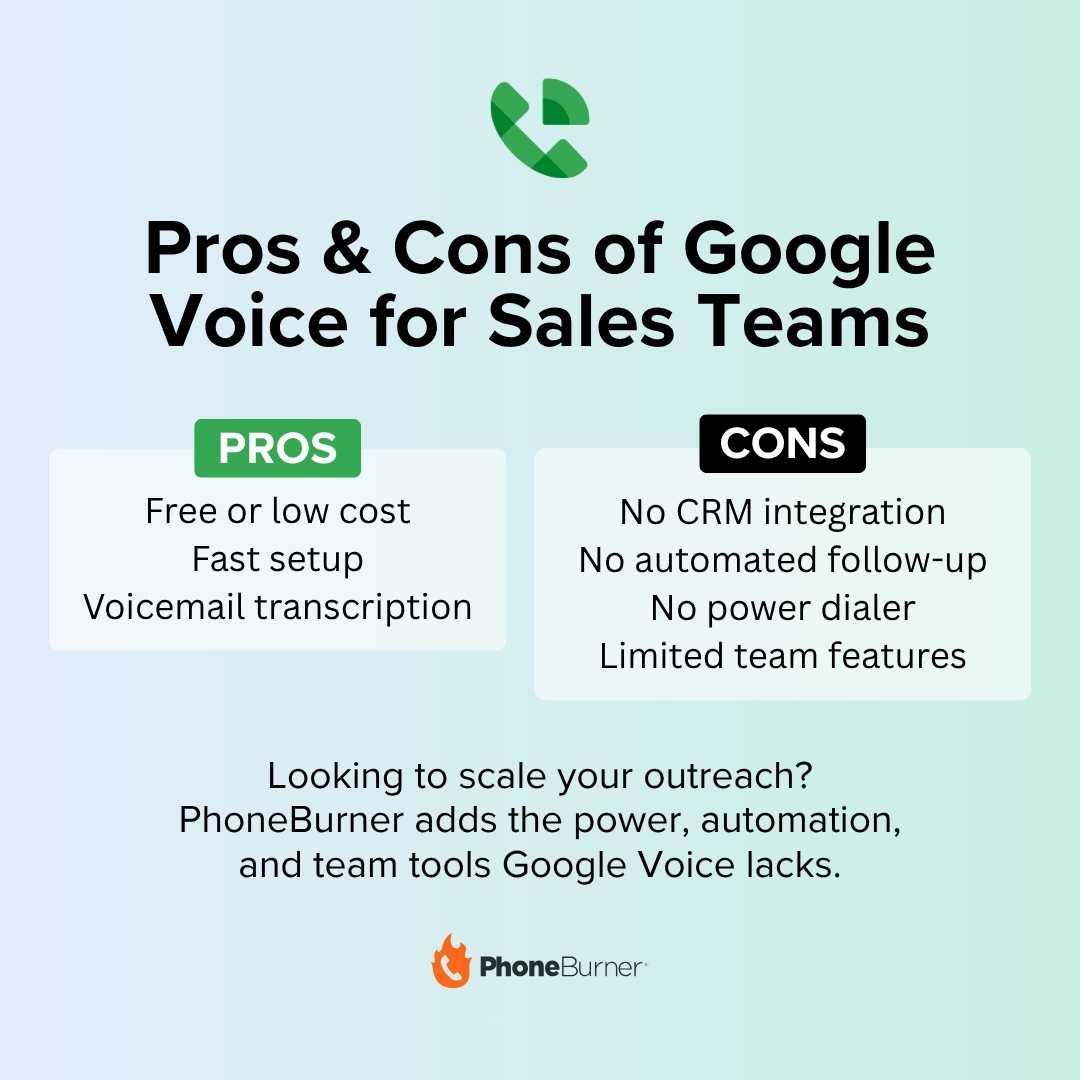
Google Voice is one of the easiest ways to get a U.S. number if you’re a Google Account customer—and it offers a pretty robust set of basic features. Here are some of the things it’s really good at, and how they can help you if you’re in the market for an entry-level cloud phone solution:
Pros
What Google Voice Does Well
Why It Matters
Free or low-cost
Free for personal use, low-cost for Google Workspace customers - the cheapest VoIP entry point on the market.
Easy to set up
Activate with an existing Google account in minutes. Works on desktop and mobile right out of the box.
Unlimited US calling and texting
Send unlimited SMS and make unlimited domestic calls without per-minute fees.
Voicemail transcription
Inbound voicemails are auto-transcribed so you can scan and prioritize callbacks without listening.
Who It’s Great For: Budget-conscious solopreneurs or side-hustlers.
Cons
Where Google Voice Falls Short
Impact on Sales Teams
Lacks a personal touch
No 1-click voicemail, no call scripting, no sales-specific features. Every call is manual and one-off.
No CRM integration
No native CRM sync. Reps log calls and updates manually, which kills productivity and creates data errors.
Limited automation
No follow-up sequences, call cadences, or workflow triggers. Every action has to be initiated by hand.
No power dialing
You can call from your number over the internet, but you cannot dial through a list of contacts efficiently.
Limited team features
Built for individuals. No lead routing, agent monitoring, or team performance reporting.
No spam flag protection
Google Voice provides no monitoring, registration, or remediation for spam likely flags - a major liability for outbound sales.
No local presence
Outbound calls show your assigned Google number regardless of contact location, which hurts answer rates compared to local presence dialing.
Who It’s Not Right For: If you’re managing a growing team, you’ll probably find yourself wanting a solution that provides greater visibility and control.
Google Voice vs. PhoneBurner for Sales Professionals
Google Voice is great for basic communication. But if you’re serious about sales, PhoneBurner gives you the tools to work faster, stay organized, and close more deals—without sacrificing the human touch.
PhoneBurner offers:
More Sales-Focused Features: Power dialing, 1 click voicemails, local presence, lead distribution, call scripts, AI call summaries, and more—all designed to boost productivity and contact rates.
Human-First Conversations: Every live answer connects directly to a rep—no awkward delays, no robotic pauses.
CRM Integration: Automatically log calls, notes, and outcomes into your favorite CRM with 200+ integrations, or use PhoneBurner’s built-in CRM.
Automation & Workflows: Send follow-up emails, assign leads, or trigger tasks based on call outcomes with zero manual effort.
Team Management Tools: Call recording, call monitoring, reporting dashboards, and lead routing help sales leaders coach and scale their teams more effectively.
Phone Numbers: More than just a dialing platform, PhoneBurner also gives you access to local phone numbers, voicemail, SMS, inbound call handling, and even ARMORⓇ spam flag protection.
If Google Voice is the dialer equivalent of a "starter home," PhoneBurner is the solution you grow into when you’re ready to scale.
Feature
Google Voice
PhoneBurner
Pricing
Free for personal Gmail; from $10/user/month with Google Workspace
Plans start with a free trial; paid plans designed for sales teams
Integrating Google Voice with PhoneBurner via Zapier
If you’re already using Google Voice and want to ease into a more advanced workflow, you can connect Google Voice to PhoneBurner using Zapier. This setup allows you to push Google Voice call data (such as new voicemails or missed calls) into PhoneBurner as contact updates or new lead entries.
Here are a few things you might want to try doing by integrating these two platforms via Zapier:
Unified Lead Management: Automatically create new contacts in PhoneBurner when a voicemail or call is received in Google Voice.
Streamlined Follow-Up: Add tags, assign leads, or queue follow-up actions in PhoneBurner based on Google Voice activity.
Bridging the Gap: Continue using Google Voice for personal or light-duty communications while leveraging PhoneBurner for scalable outreach.
While it still won’t turn Google Voice into a full sales dialer, the Zapier integration is a handy bridge if you’re transitioning from basic tools to a more advanced platform like PhoneBurner.
Frequently Asked Questions
Is Google Voice good for sales calls?
Google Voice is fine for solo entrepreneurs or side-hustlers who make a small number of calls a day, but it's not built for sales teams. It has no power dialing, no CRM integration, no automation, no spam flag protection, and no local presence. Teams that need to scale outbound activity, coach reps, or track team performance will hit Google Voice's ceiling quickly.
Is Google Voice free for business use?
Google Voice is free for personal Gmail users in the US. For business use through Google Workspace, plans start at around $10 per user per month and add features like multi-level auto attendants and ad hoc call recording. Even on Workspace tier plans, Google Voice does not include power dialing, sales CRM integration, or spam flag protection.
Can Google Voice integrate with CRMs like Salesforce or HubSpot?
Google Voice has no native integration with sales CRMs like Salesforce, HubSpot, or Zoho. The only way to connect Google Voice to a CRM is through Zapier or a similar middleware tool, which can pass call data but cannot replicate features like click-to-call, auto-logging, or in-CRM dialing.
Does Google Voice support power dialing?
No. Google Voice is a one-call-at-a-time system. You cannot dial through a contact list, drop voicemails with one click, or move automatically from one prospect to the next. For high-volume outbound, a dedicated power dialer like PhoneBurner is the right tool.
Can I record calls with Google Voice?
Inbound call recording is available on Google Voice business plans. Outbound call recording is not supported. Sales teams that need to record outbound calls for coaching, compliance, or QA need a different platform.
Does Google Voice protect my number from spam likely flags?
No. Google Voice provides no spam flag monitoring, no carrier registration, and no remediation if your number is labeled. Sales teams making high call volumes from a Google Voice number are entirely exposed to spam labeling. PhoneBurner's ARMOR service handles registration, monitoring, and remediation across major US carriers.
Should I switch from Google Voice to PhoneBurner?
If you're a solopreneur making a handful of calls a day, Google Voice is probably fine. If you're running a sales team, scaling outbound activity, or losing answer rates to spam flags, switching to a dedicated sales platform like PhoneBurner pays for itself quickly through higher contact rates, automated workflows, and protected number reputation.
Use the Phone Sales Tools that Match Your Vision for Growth
Google Voice is a solid option for individual users who need a free and simple way to stay in touch. But when your sales goals outgrow the basics, you’ll need a platform that can keep up.
PhoneBurner gives you the speed, efficiency, and tools to turn conversations into conversions. It doesn’t just help you make more calls; it helps you make better ones. That sets you up for more conversions, higher revenue, and future success.
Want to streamline your phone outreach even further? Once you’ve started using PhoneBurner, try integrating it with HubSpot for absolutely next-level results.
Send this article to someone who’d like it.
Webinar
How to Fight Scam Likely and Improve Your Live Answer Rates









.jpg)
.png)
.png)

